A trading journal that stays with your chart — and your cloud
Log from a floating bar on sites you enable, then review sessions in the web app. See how it works for the full flow — journal actions, pinned memos, calculations, and report layouts.
Watch a quick tour
A short look at journaling from the floating bar and reviewing a session in the web app.
More walkthroughs on @EndureTrade on YouTube.
What you get
User-controlled logging beside your chart, synced to the cloud for review — without losing chart context.
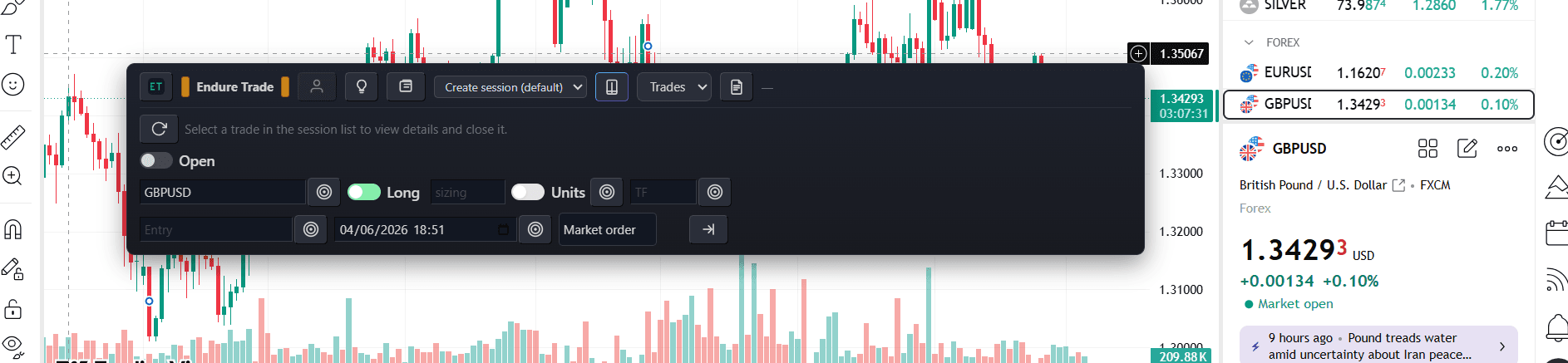
Add a trade from the floating bar
Pick a session, open a trade on the chart, and fill symbol, side, sizing, and entry — you choose what to log.
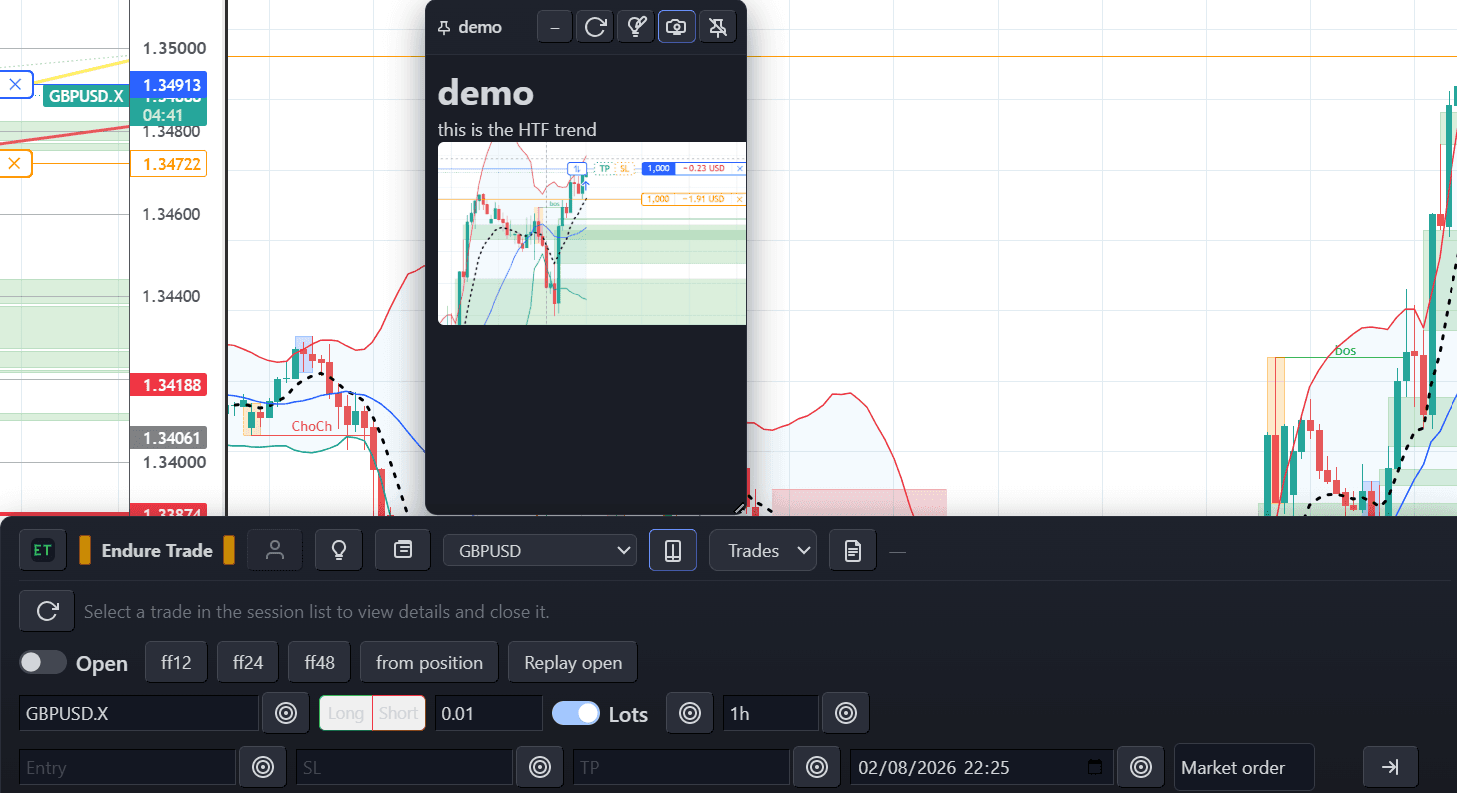
Pinned memo beside journal actions
Keep research notes pinned while one-click journal actions speed up logging — both live on the floating bar for sites you enable.
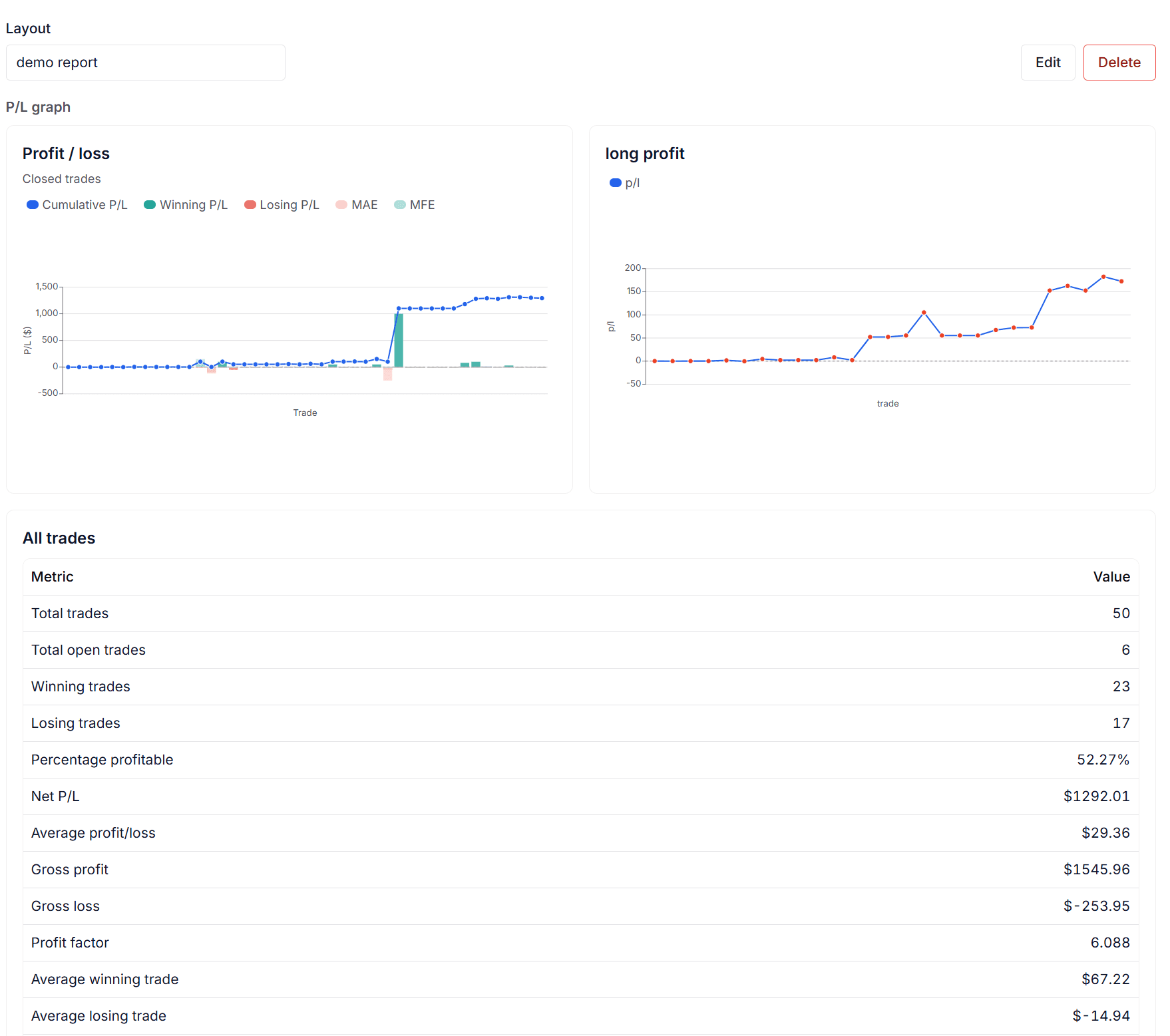
Review sessions in the web app
Browse saved sessions and trades with tags and strategies visible at a glance. Deeper dashboards and analytics are on the roadmap.
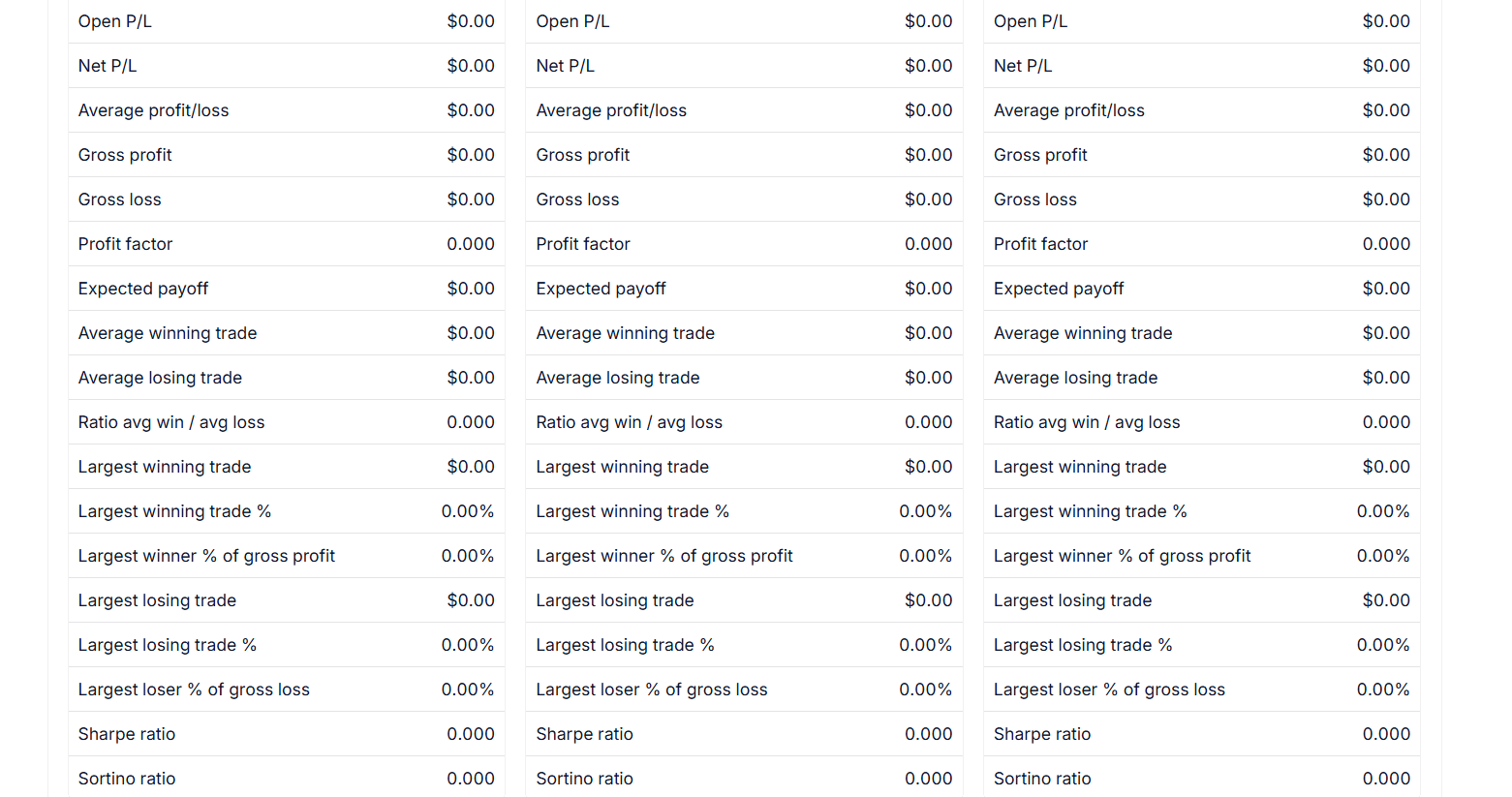
Saved custom report layout
Your owned report layouts appear on the session Report tab — filter trades and bind cards to the calculations you care about.
Works on sites you enable
21 chart and broker sites are pre-enabled when you install. Open extension settings to add more host patterns or turn sites on and off — you control where the floating bar appears.
TradingView
Interactive Brokers
thinkorswim
Webull
TradeStation
NinjaTrader
Robinhood
tastytrade
Schwab
Fidelity
OANDA
FOREX.com
IG
eToro
Plus500
Questrade
Alpaca
Tradier
Binance
Bybit
Coinbase
Add your own
Use wildcard host patterns in Enabled sites so the journal runs only where you want it.
Journal in the browser too
Prefer typing everything in the web app? Log trades, upload screenshots, and write notes without the extension for a session.
Get started in minutes
Install via the Chrome extension guide, then follow how it works for the chart-to-cloud workflow.
Who it is for
Discretionary traders who want a structured journal with visual context — not just numbers — and who are tired of losing review material when a session ends.
Why keep a trading journal
Edge comes from repetition: you see a setup, manage it on the chart, then want to compare similar cases across weeks of practice. When that history and chart context disappear, you lose the thread. EndureTrade makes those runs durable records instead of memory only.
The extension stays beside your chart. Screenshots preserve the visual story — levels, volatility, session structure — that raw numbers often omit. Tags and strategies help you label setups while the read is still fresh.
FAQ
Which sites does EndureTrade work on?
EndureTrade runs only on sites you enable in extension settings. Many chart and broker sites are pre-enabled when you install; open Enabled sites to add host patterns or turn sites on and off.
Can I capture screenshots without leaving my chart?
Yes. Save a screenshot of the chart tab you are on from the extension with the note feature.
How do I log a trade?
Sign in, open the floating bar on an enabled site, choose a session, and use the journal controls to open or close a trade. Add notes, tags, and an optional screenshot to the selected trade.
What are journal actions?
Journal actions are one-click buttons on the floating bar that fill your trade form from the page, fill from a history table, or click a page control. You create them in the web app Actions screen; the extension loads the ones that match the current enabled site. See journal actions docs.
Can I pin a memo on my chart?
Yes. From the memo module on the floating bar, pin a personal Markdown memo as a floating window on that enabled site — drag, resize, minimise, or unpin when you are done. See memos docs.
How do custom calculations and report layouts work?
Calculations are browser-side functions that compute session metrics from your trades. Report layouts arrange metric, graph, and table cards bound to those calculations on the session Report tab. See calculations docs and report layouts docs.
Is it free to start?
Yes. The free tier includes generous limits per 30-day window. Pro adds higher limits — see pricing for details.
How secure is my data?
Your journal is tied to your account with sign-in required. Session and trade data are stored in the cloud and scoped so only you can access your records.
Who operates EndureTrade?
EndureTrade is an independent journal product. You are responsible for complying with the terms of any site or service you use alongside the extension.
Ready to build trading endurance?
Start with the free tier. No credit card required. Upgrade to Pro anytime from pricing or your account settings.